
AppControl 1.3.0: A New Command Line Tool, Graph Zoom, and More!
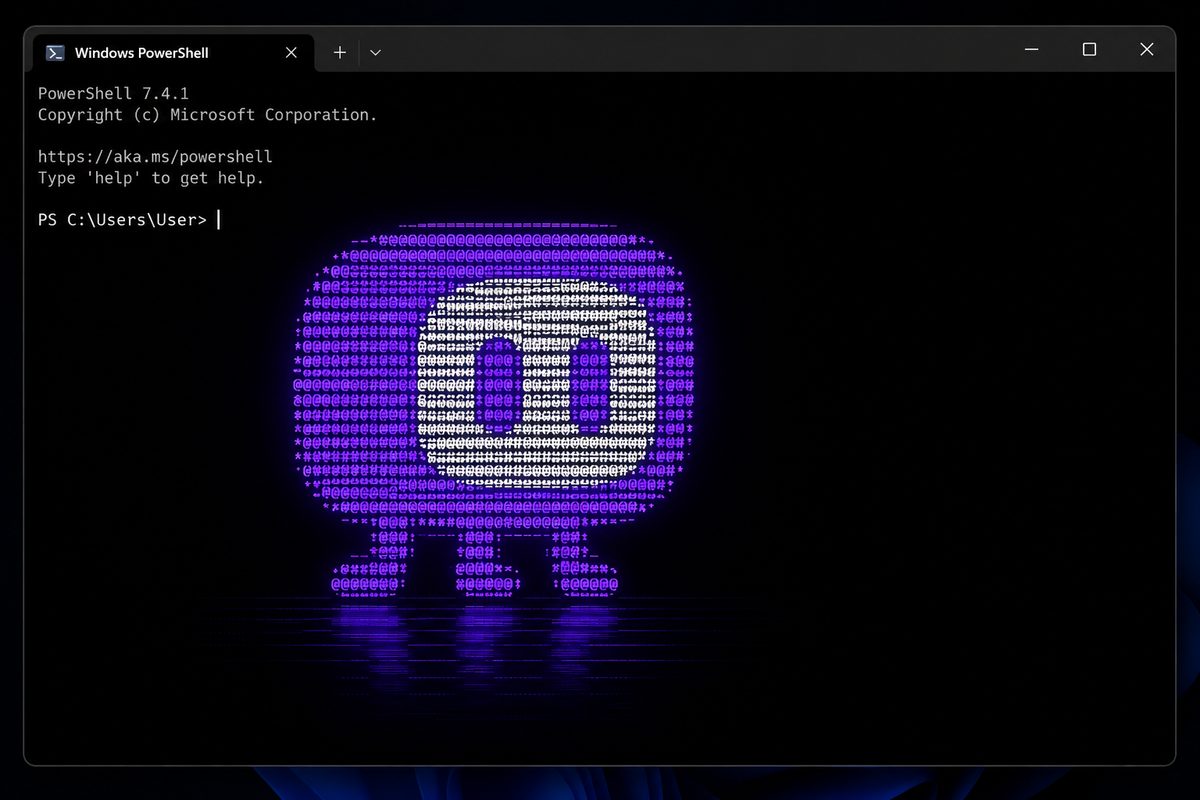
AppControl, the historical Task Manager for Windows, just got its biggest update yet. Version 1.3.0 adds some features we've been really excited to ship, starting with one we've heard a lot of requests for.
Range Select on Graphs
You can now click and drag on any AppControl timeline graph to zoom into exactly the time-frame you care about. See a weird CPU spike at 3 AM when your PC was idle? Click and drag across it to zoom in and find out exactly which process caused it. This has been one of our most requested features, and once you start using it you'll wonder how you lived without it.
New Command Line Tool
Type appcontrol in Windows Terminal, PowerShell, or Command Prompt and you'll get a live, terminal-based view of your system, similar to top or htop on Linux and macOS. It shows CPU, memory, disk, and temperature usage, sorted by which processes are using the most resources. You can press P to pause the view so the numbers stop moving and you can actually read them.
Press L to switch to the Log view, which streams every process starting and stopping on your PC in real time. If you've ever used execsnoop on Linux, it's that, but for Windows. This is incredibly useful for catching short-lived processes that disappear before you can open Task Manager.
We wrote a full guide for the command line tool here.
Automatic Theme
A new optional "Automatic" theme option follows your Windows system settings, so AppControl switches between light and dark mode when your OS does. No more manually toggling.
German, Spanish, and Japanese
We're continuing to add languages thanks to our amazing community. This release adds German, Spanish, and Japanese, joining the French, Polish, Russian, Dutch, Serbian, Italian, Chinese, and Turkish translations already in the app. To switch languages, open the settings menu in the top-right corner.
If your language isn't supported yet, we'd love your help! Join the Discord or Forum to suggest new languages.
Under the Hood
We've also improved how AppControl displays system processes like vmmem, vmmemWSL, Registry, and others that used to look cryptic. Publisher verification is now more accurate. And there are a bunch of performance, stability, and UI improvements throughout the app that make everything feel snappier.
Get the Update
Download AppControl 1.3.0 now at AppControl.com. If you're already running AppControl, you'll be prompted to update automatically next week.
As always, keep the feedback coming on Discord or the Forum. Every update gets better because of the AppControl community!