
AppControl launches today — here's why we built it
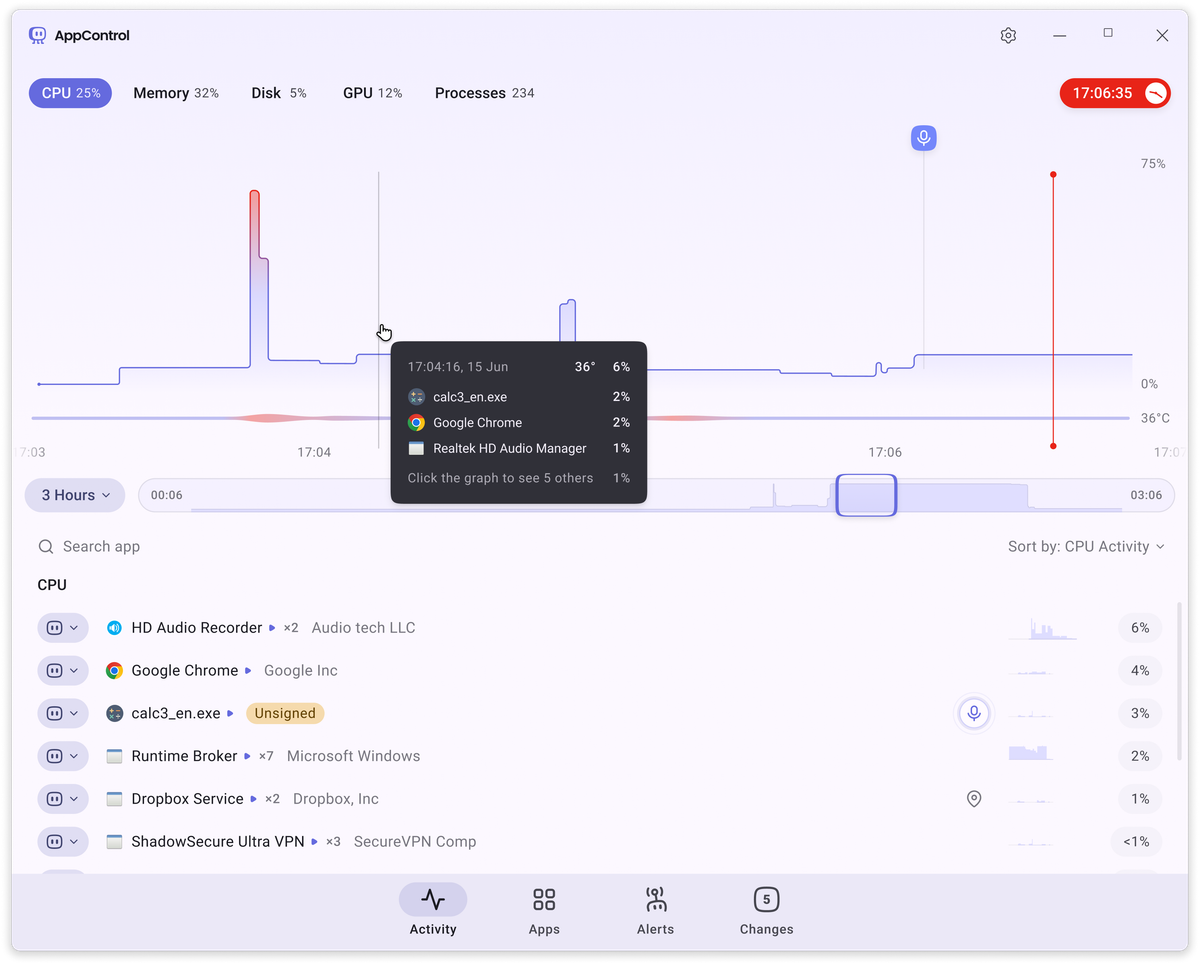
A few months ago, I noticed my PC fan spinning like crazy while the machine was locked. No apps running (as far as I knew).
So I did what any Windows user does: I opened Task Manager.
And… nothing. Whatever was burning up resources vanished the second I looked. No obvious resource hog, just nothing.
I searched for a way to view past resource usage — something like a “historical Task Manager for Windows.” What I found instead? A wall of funny Task Manager memes. Nothing real.
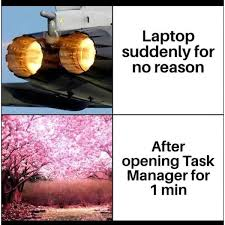
So, out of frustration, I put together a small indie team, and we started making a new fun to use Task Manager!
AppControl is a modern Task Manager alternative for Windows. It tracks your CPU, GPU, memory, disk, and temperature — in real time and historically. So next time your fans kick on or your game starts stuttering, you’ll actually know what happened. Just mouse over the AppControl graph to go back and time to see what exactly was using your resources when you were gaming.
It also helps you take control of your Windows system:
• Monitor and log background app behavior, like location or camera access
• Set up smart rules to handle suspicious activity
• Get optional alerts when apps install, or update
• Shut down or block apps (or entire publishers) that don’t respect your PC
No fluff, no bloat — just visibility and control. Because at the end of the day:
It’s your PC. You should know what’s running, and decide what’s allowed to.
AppControl launches today. It’s free, it’s fast, and if you’ve ever wanted a smarter, more useful Task Manager — we made this for you.
Download AppControl for free at AppControl.com